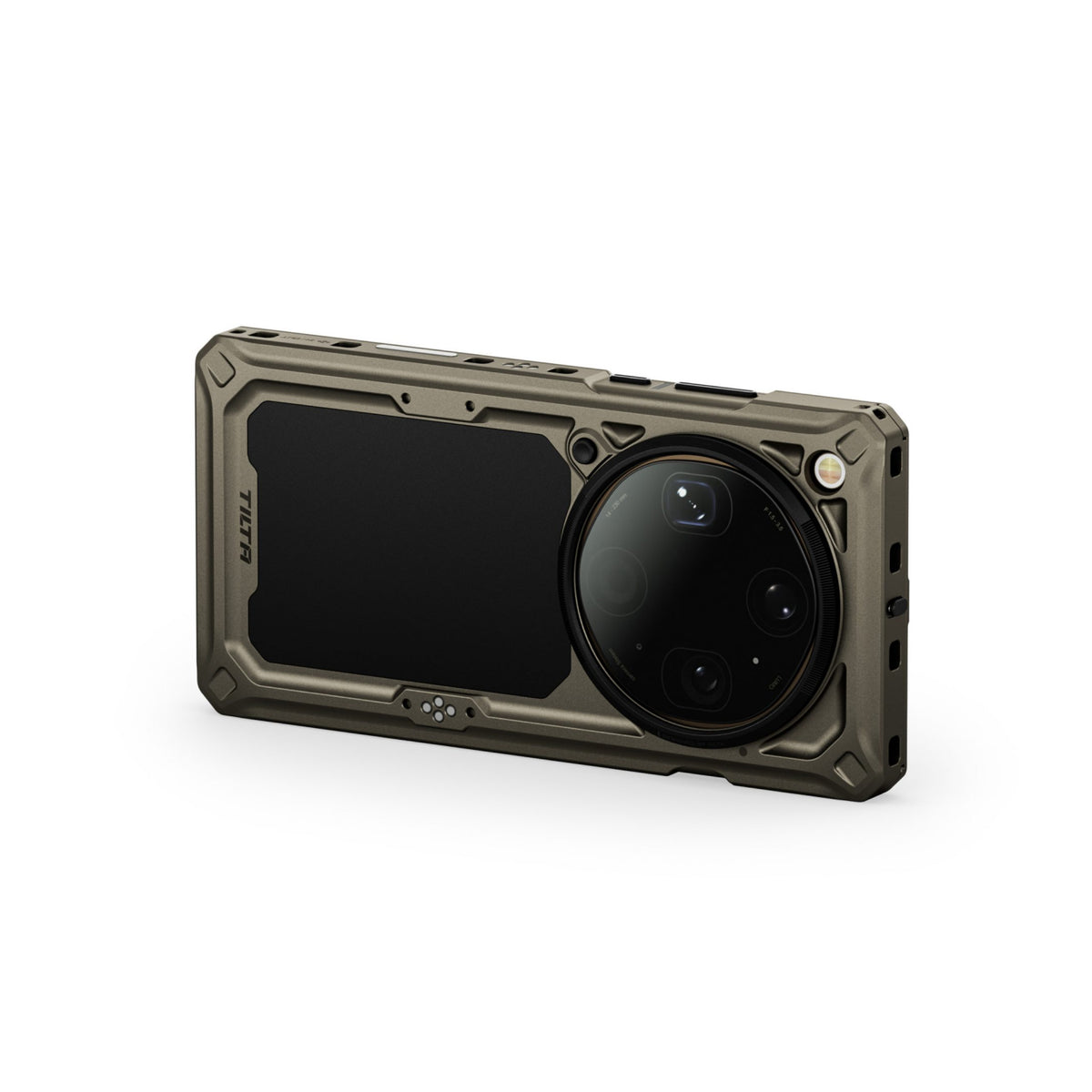
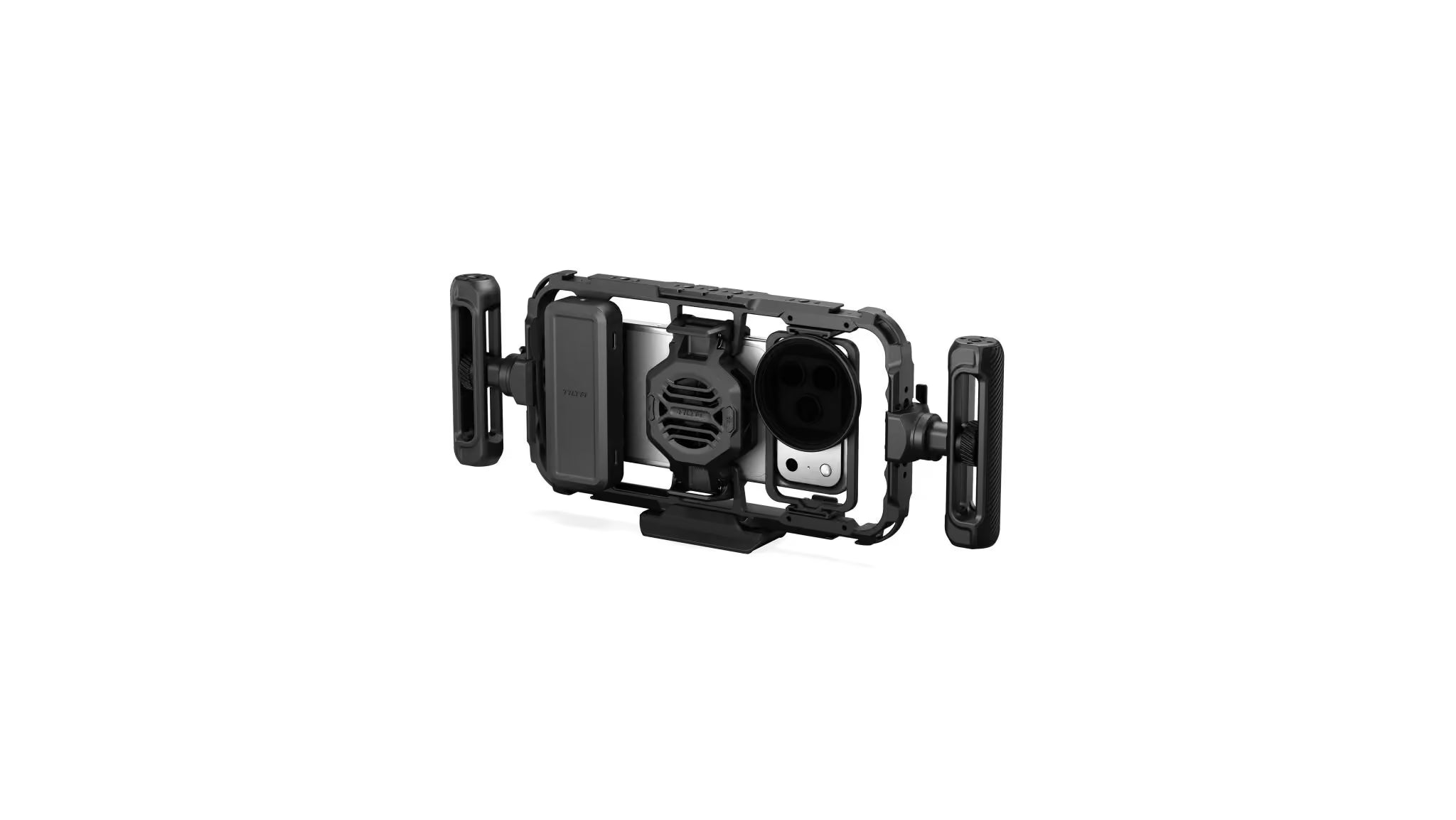
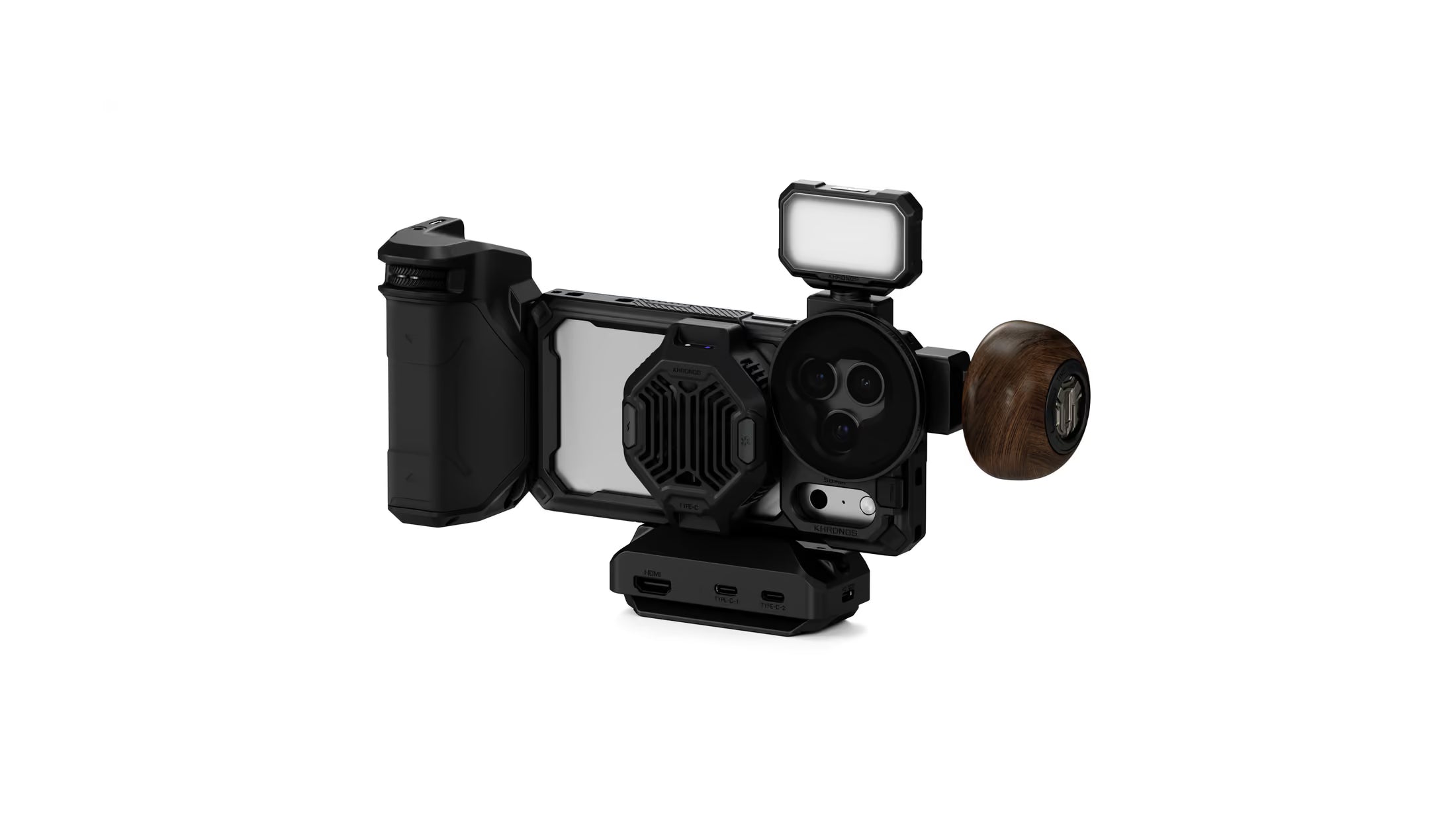
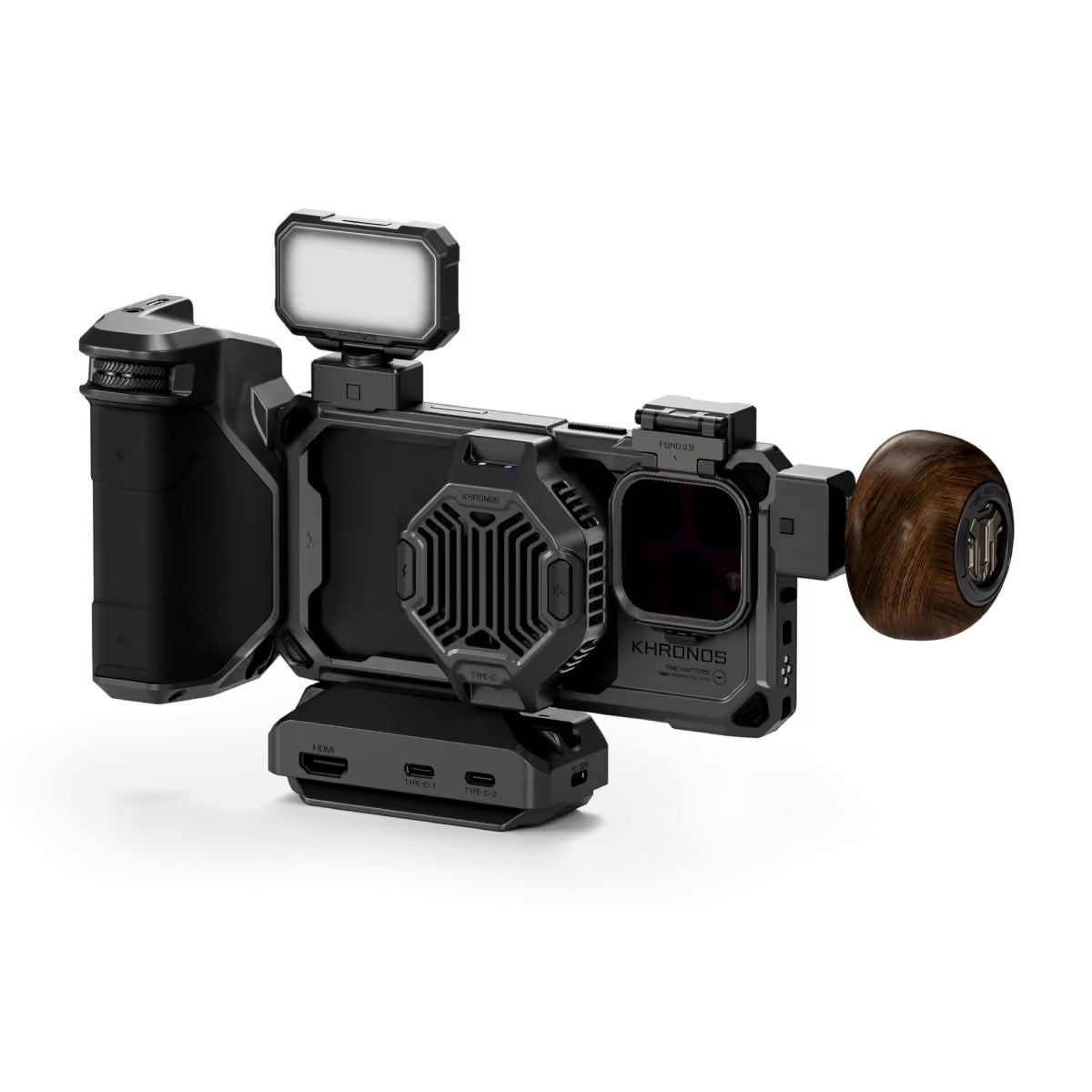
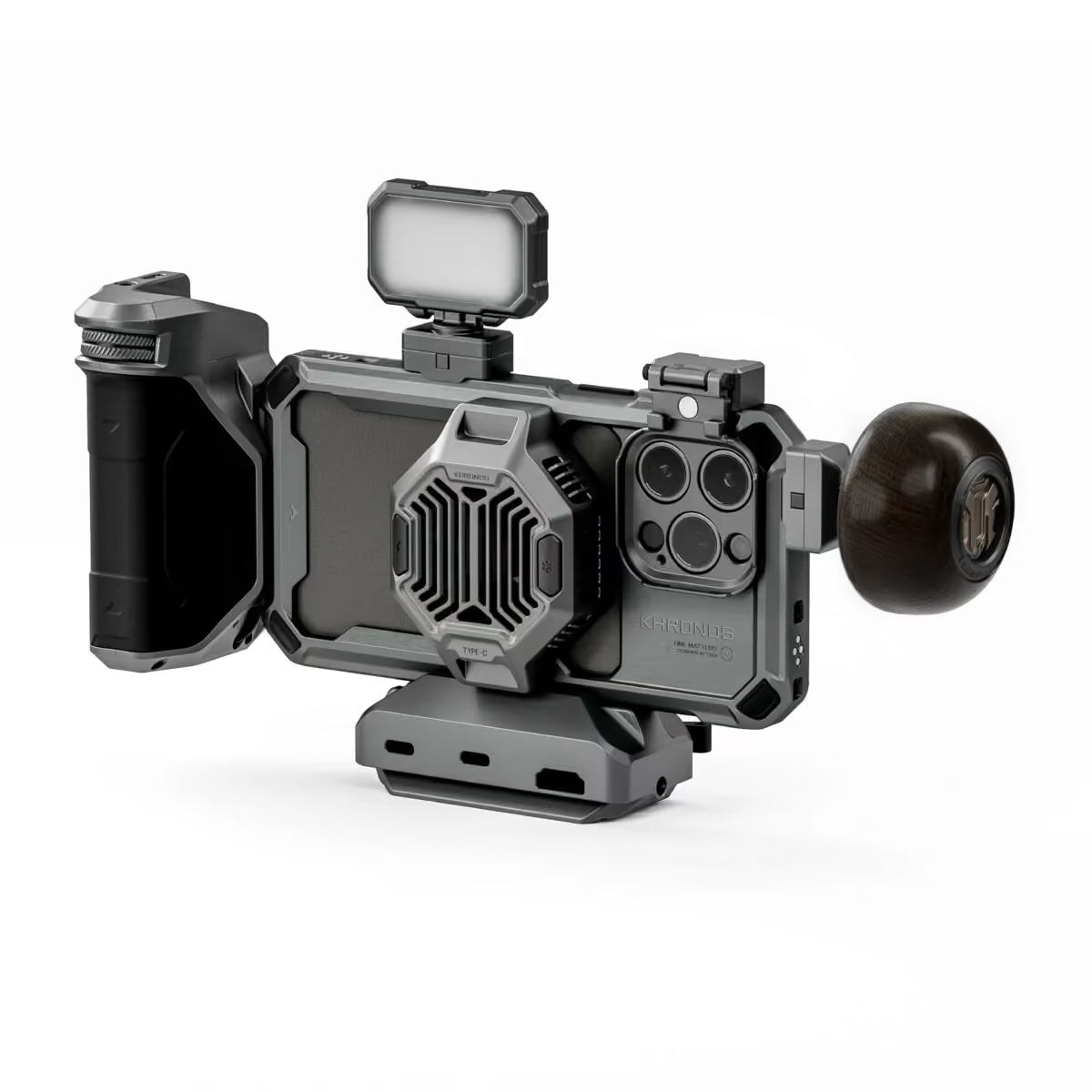
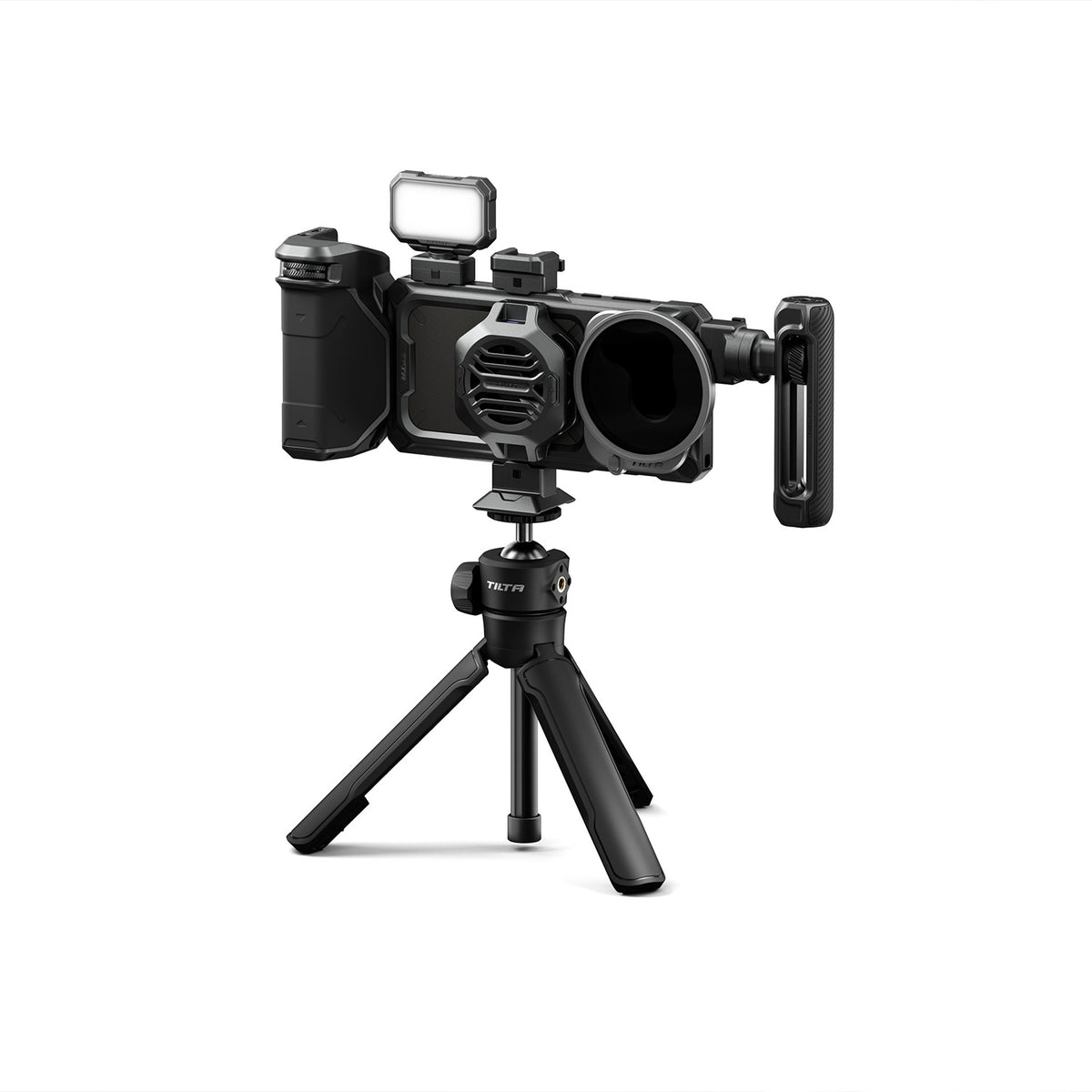
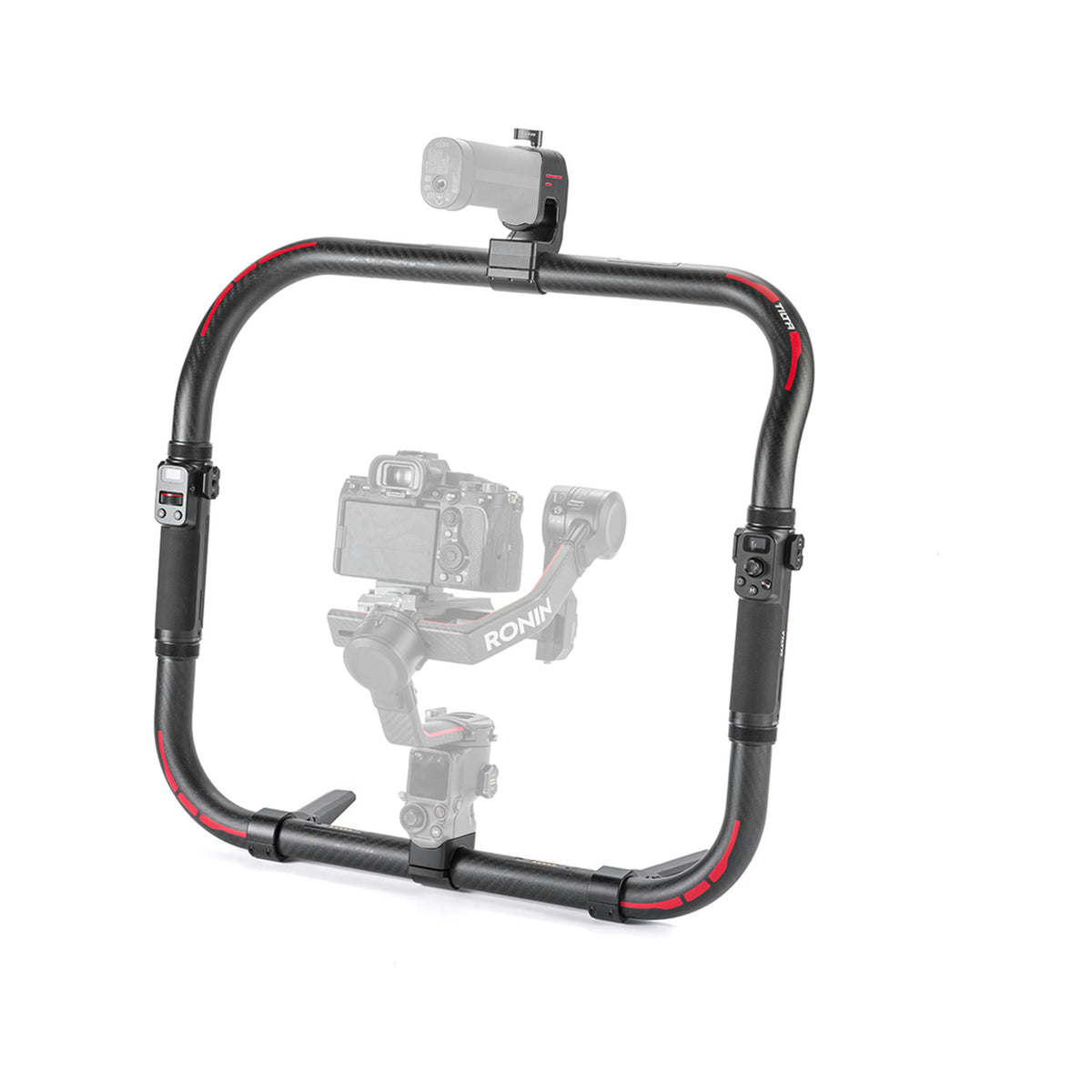
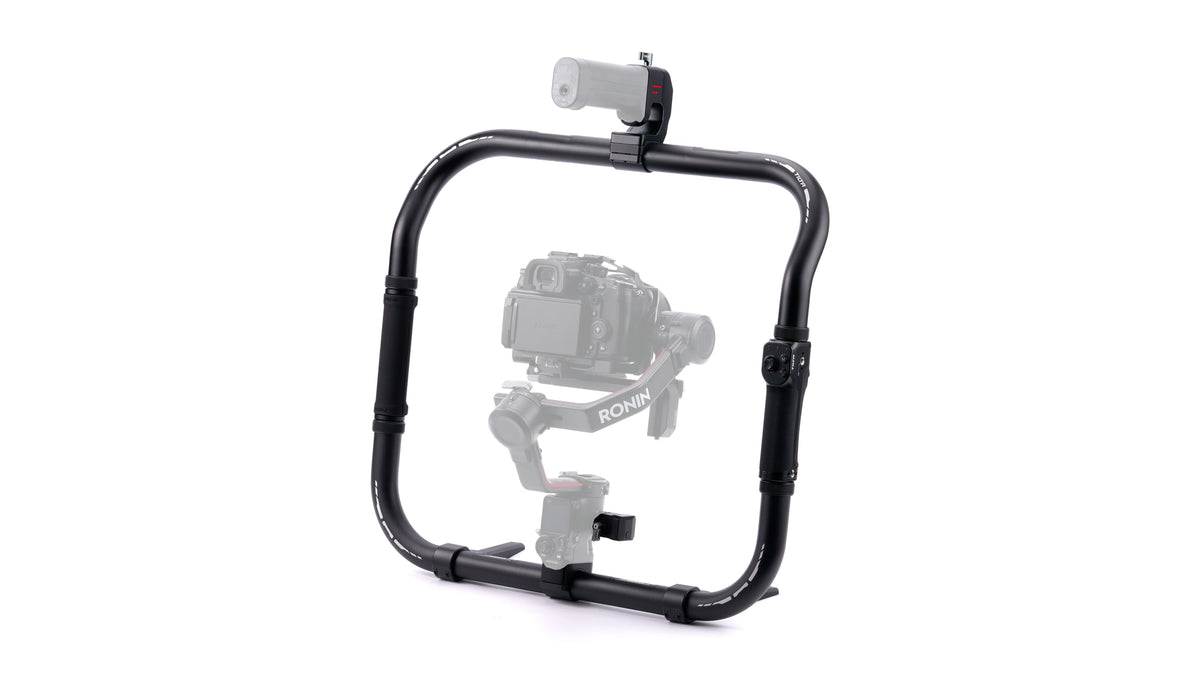
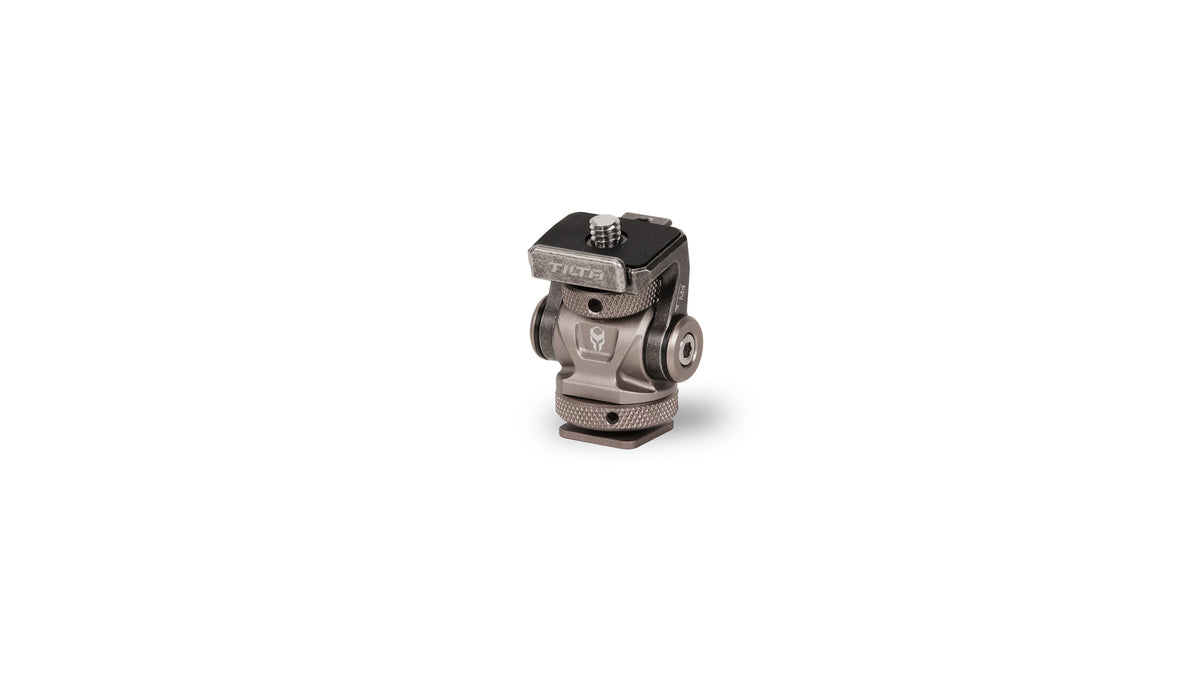
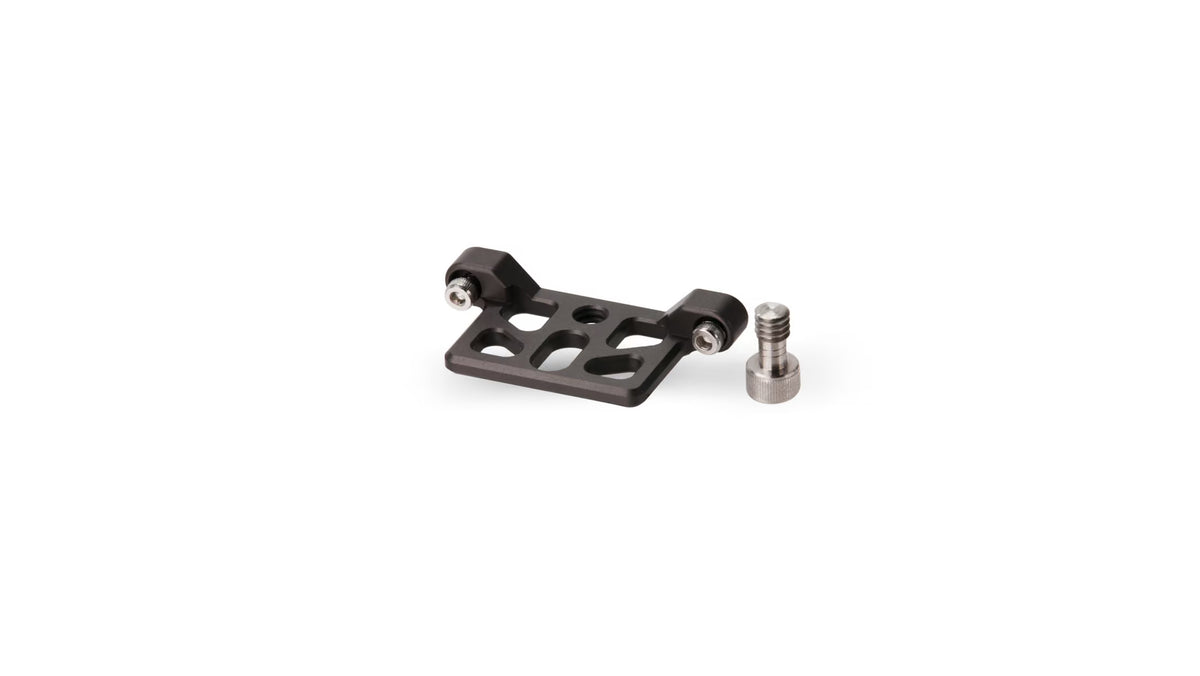
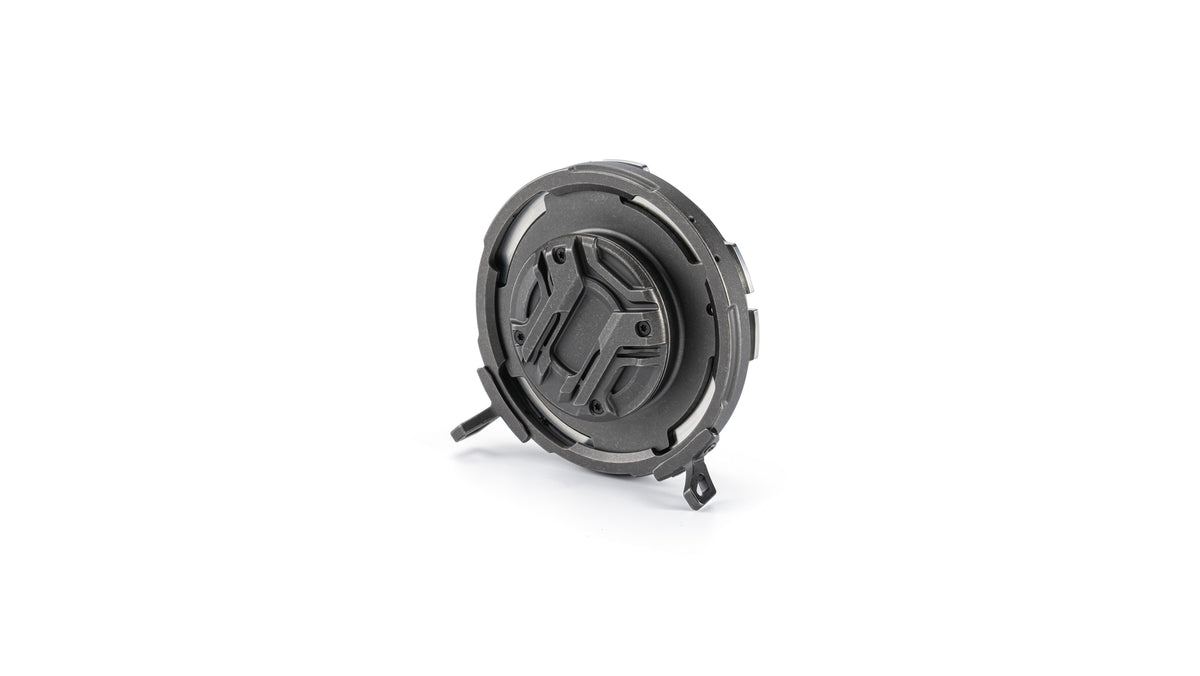
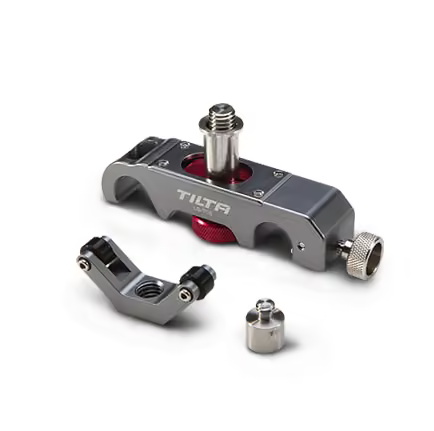
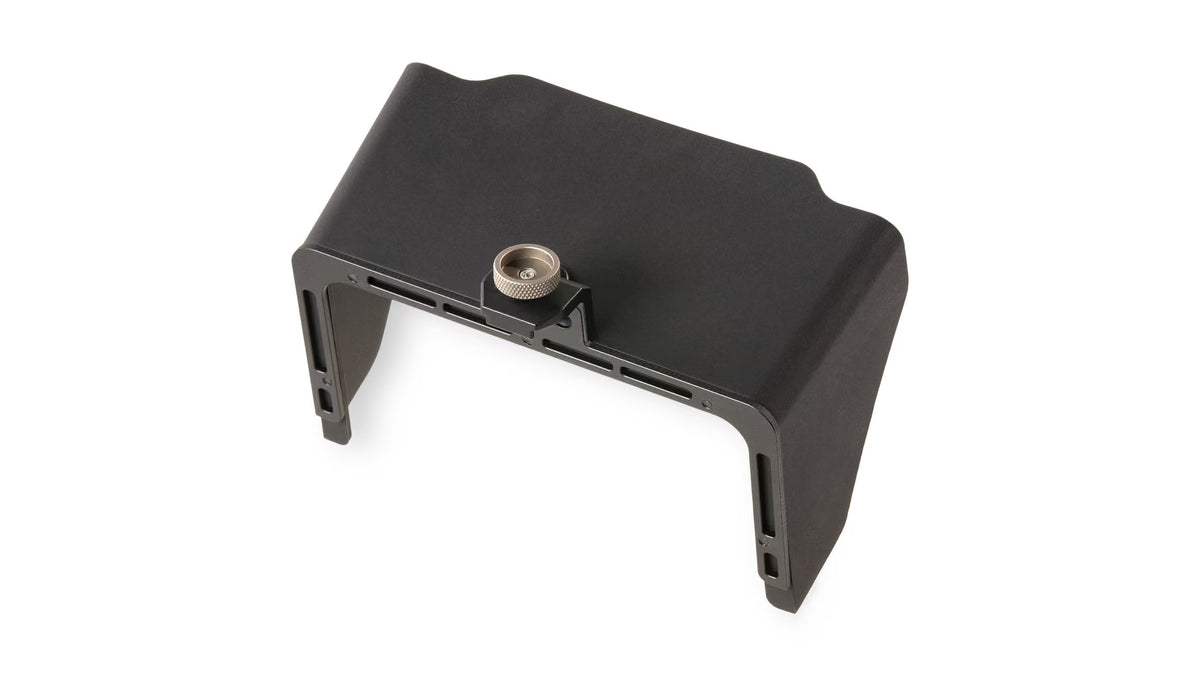
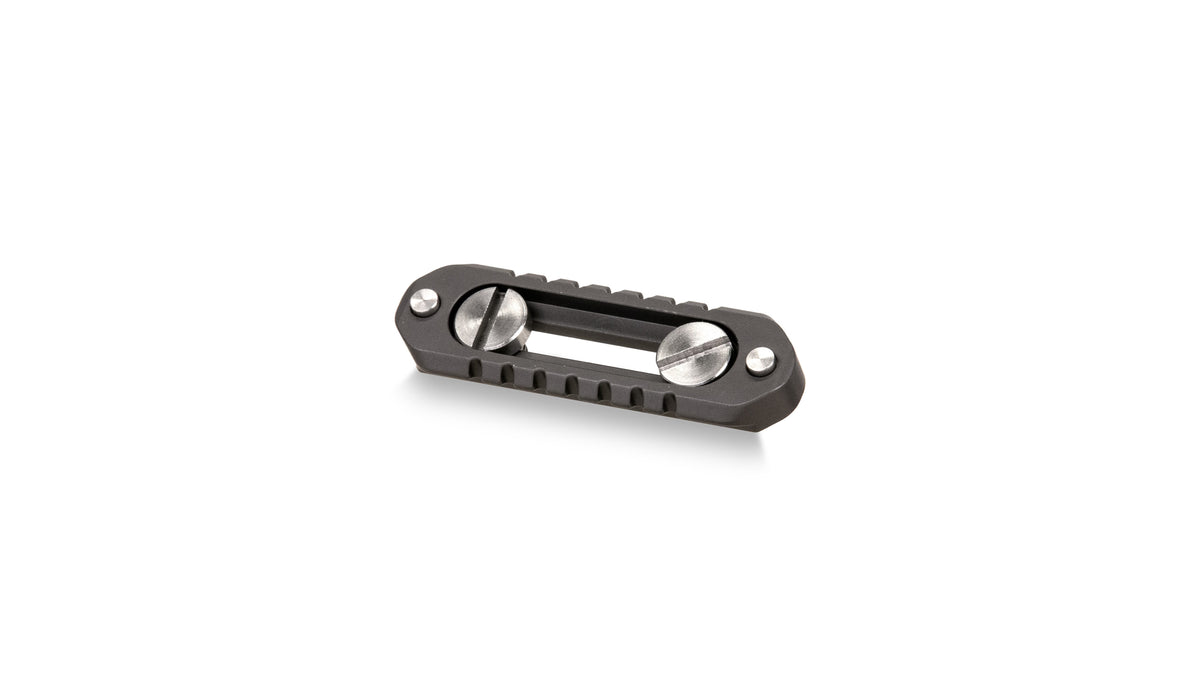
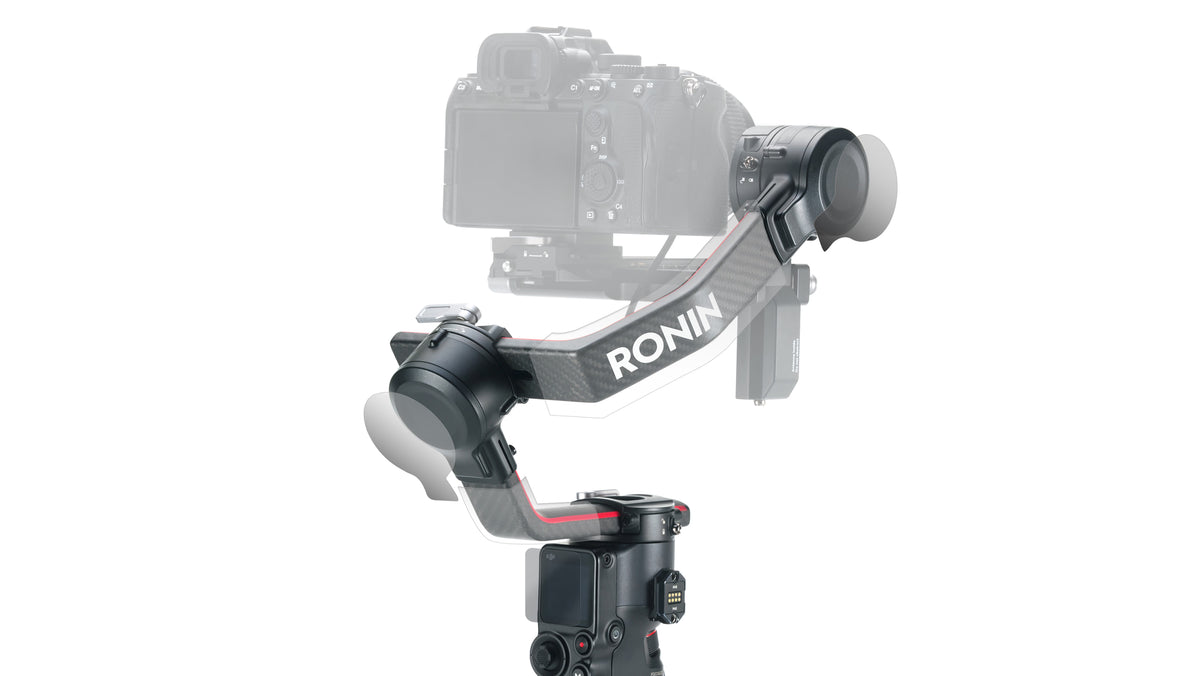
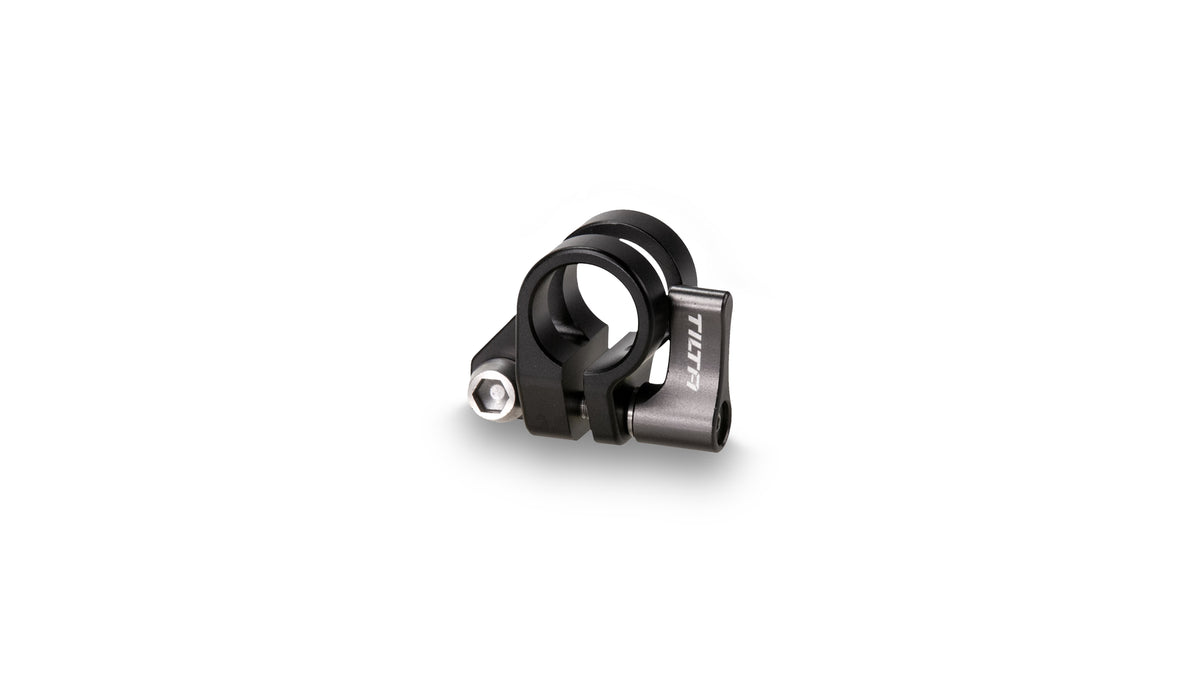
Poignée de mise au point avancée Tilta côté droit (batterie F570)

Prix de vente€148,00

Excl. VAT. VAT calculated at checkout

(7)
SKU: TA-RFH7-57-B


Fonctionnalités clés

  • [STABILITÉ ACCRUE] grâce à la poignée latérale pour plus de flexibilité d'utilisation et de manipulation
  • [ACCESSOIRES D'ALIMENTATION] via les ports USB-C 8 V et Micro DC 12 V
  • [DÉMARRAGE/ARRÊT DE L'ENREGISTREMENT] via le bouton d'arrêt et le câble d'arrêt en option
  • [OPTIONS DE MONTAGE PIVOTANTES] pour une plus grande flexibilité lors du montage de votre poignée
  • [CONTRÔLE DE LA MISE AU POINT] Alimentez et contrôlez le Nucleus Nano via un câble USB-C vers Micro USB en option
En stock
Type de pièce jointe:
Couleur:
Côté:

Overview

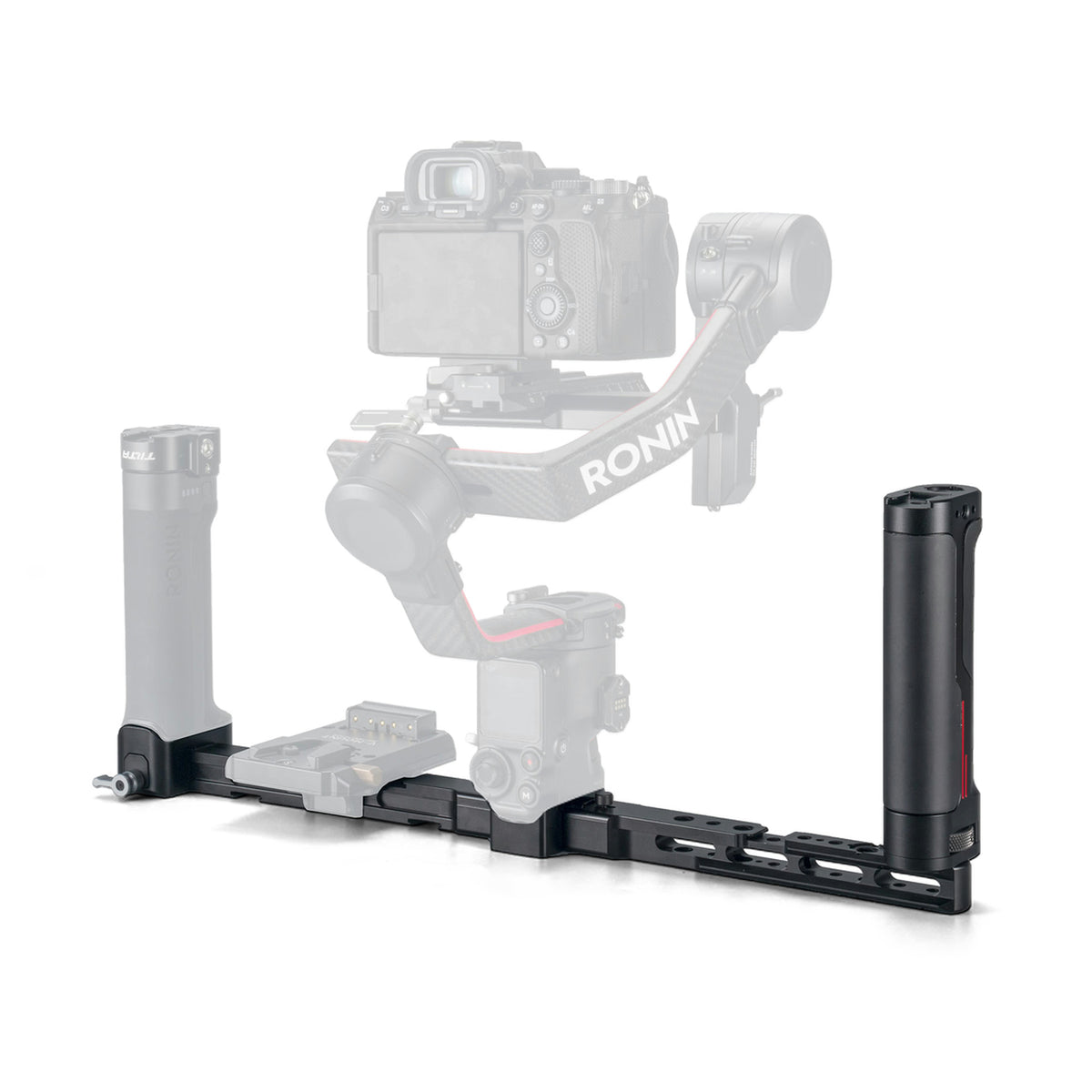
Cette poignée perfectionnée se fixe sur le côté droit des cages d'appareil photo Tiltaing. Un port de batterie au bas de la poignée vous permet d'utiliser une batterie Sony F570 pour alimenter le moteur Nucleus Nano via la sortie d'alimentation USB-C 8V. Une sortie CC 12V est également intégrée à la poignée. Une molette intégrée vous permet de contrôler le moteur Nucleus Nano et un bouton de marche/arrêt vous permet de contrôler la fonction d'enregistrement/arrêt de votre appareil photo via un câble R/S Nucleus-Nano en option (pour les appareils photo qui prennent en charge cette fonction).

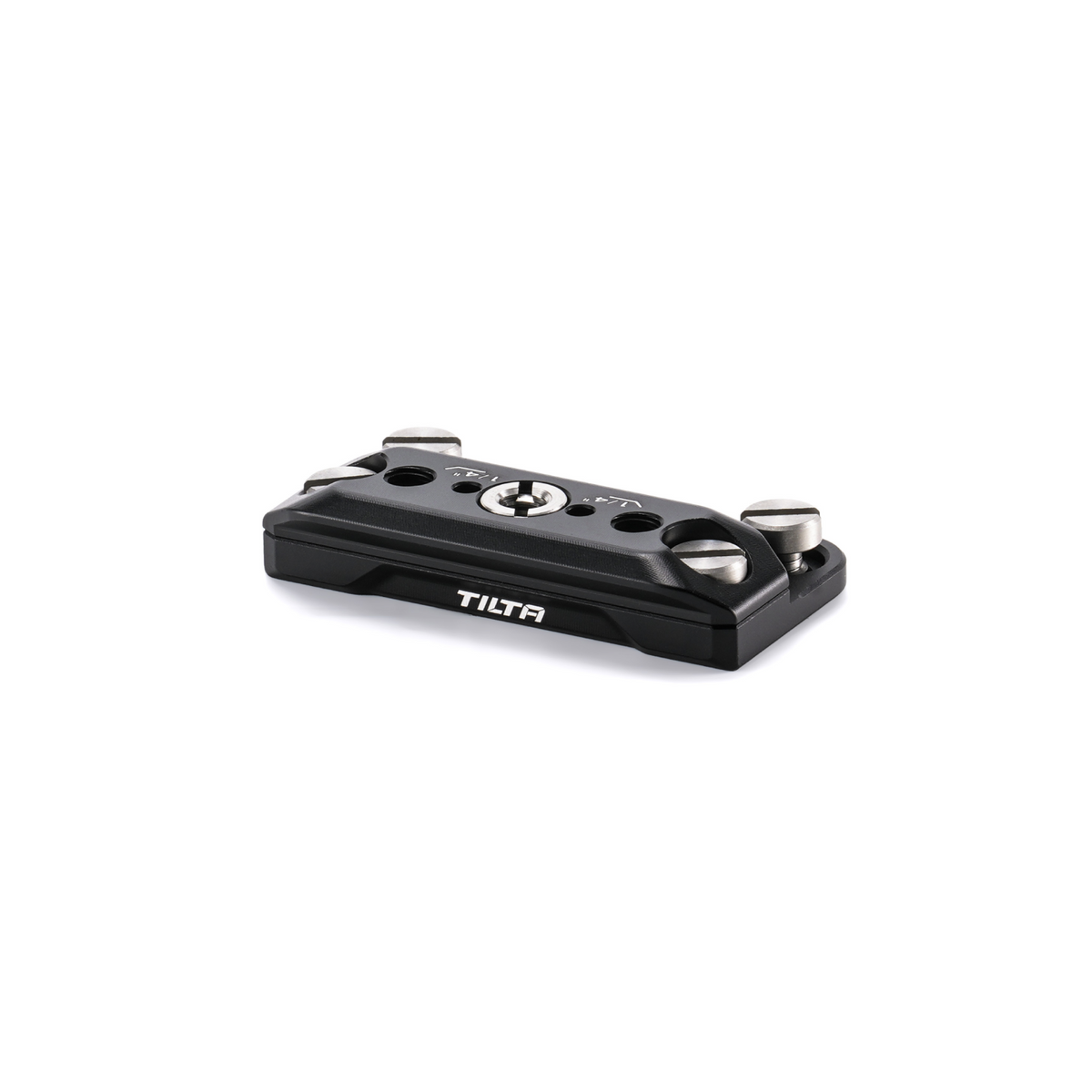
REMARQUE : L'adaptateur de type V est doté d'une rosace standard Tilta qui est compatible avec certaines, mais pas toutes les rosaces ARRI

Packing List

  1. (1) Poignée avancée de mise au point latérale droite Tiltaing (Batterie F570)
  2. (1) Câble d'alimentation de moteur Nucleus-Nano Micro USB vers USB-C Nano

Technical Data

Dimensions5,5 x 4 x 3 cm

Poids0,624 kg

Poids net0,45 kg

MatériauxAlliage d'aluminium, acier inoxydable

CouleurNoir, Tilta Grey

€148,00
  • 5 stars: 4 (57%)
  • 4 stars: 1 (14%)
  • 3 stars: 2 (29%)
  • 2 stars: 0 (0%)
  • 1 star: 0 (0%)
B
Brandon Penaranda

I?‘m completely brand new to cinema cameras and the rigs that go along with it. There was a bit learning curve to the focus set up. I watched a couple YouTube videos and I was off and ready. The grip feels good and has good agronomics. The build quality is exactly what I expected from Tilta.

A
Andrew Walldez

I hit the calibrate button by accident all the time, but if you avoid that the handle works really well.

T
Tobias Renschke

From a functionality point of view it works great. But room for improvement:
*) Grip could be a bit wider (thicker) because it happens that you accidentally hit the CAL button
*) No wireless communication makes it useless on a Gimbal. Common, we live in 2022. At least the one option would be good. The dedicated wireless gimbal handles from Tilta can not be mounted on a rig so you need basically two ore more handles for the same purpose.
*) The handle has two tiny m3 screws holding 5-10 kg depending on setup. Doesn??t give lots of confidence.

S
Samuel Hesketh

I really love it, but its not perfect. Ideally it needs; a control lock button, bluetooth so I can use it with my DJI RS2 and control the motor. no matter what cable I used it it will not trigger my Canon R5 to run/stop record. So overall a little useless - but almost epic.

R
Ryan Shovey

I'm using this on my BMPCC 4k with the Nucleus Nano. I love the Nato adapter, which makes it easy to mount to the camera or to my shoulder rig.
The A/B functions are smooth, although I'd like to see some kind of read out on the Nano screen reflecting the different modes, like it does for the REC (which doesn't even work with the BMPCC4k).
I'm also having a really hard time finding any firmware updates on this site.
Besides those 2 things, it's a really great, well-built handle.

Z
Zack Mathers

Using this on my Sony A7RII, works fantastic. The quick rotation adjustability of the handle is absolutely PERFECT!!

V
Vid Headz

The Advanced Side Handle esthetically is a nice compliment to the Sony A7SIII Full Cage, which is one of the reasons why I purchased it.
The PROs is that the Focus Knob works great. The rotate function allows for more quick orientation for ergonomic handheld shots based on angles. The calibration is better than the previous Follow Focus Handle because you only have to calibrate once. The one calibration calibrates the motor with the Lens and the handle with the motor.
The one and only CON is that it kind of gets in it's own way. The button to rotate the handle and the Calibrate Button seem to be placed in the way of holding the handle, because I hit them all the time inadvertently, which is really annoying. Maybe the issue is that I have big hands that makes this an inconvenience. I have to learn to hold the side handle in such a way where I don't hit the buttons inadvertently, which maybe a design flaw in my opinion.